


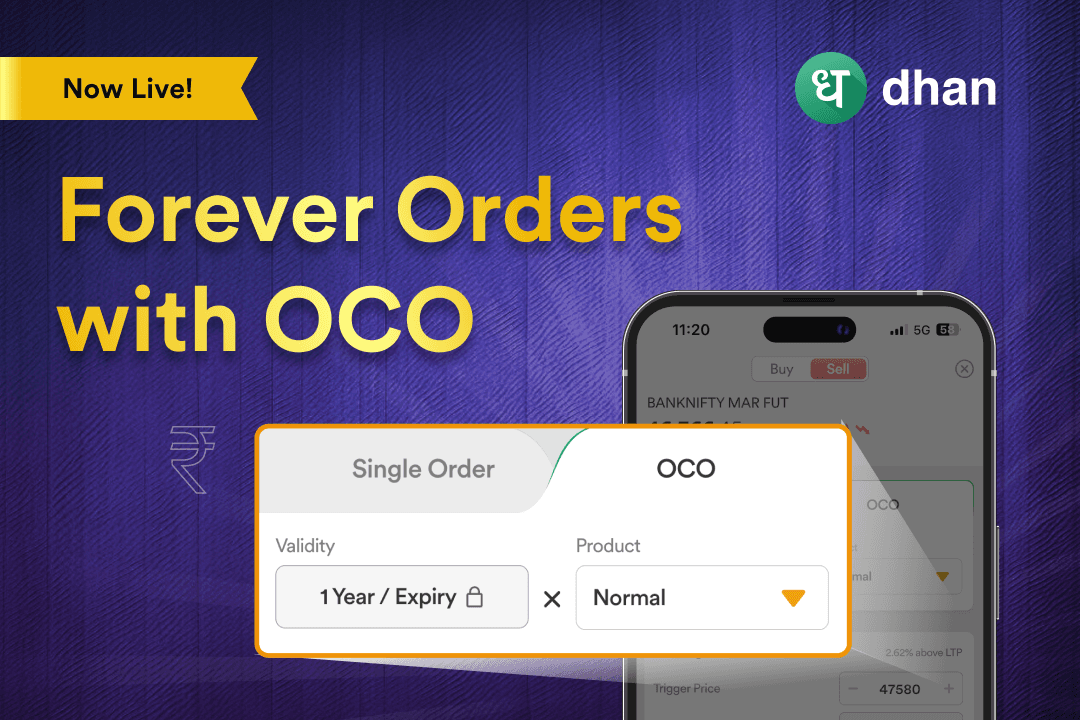
Forever Orders with OCO feature by Dhan





Back when we started building Dhan in 2021, traders and investors told us about an interesting problem. They had their strategy ready or entered a position too, but the price point wasn’t suitable, at least not at the moment. That’s why we introduced Forever Orders with One Cancels Other (OCO).
What is Forever Orders with OCO?
Trading and investing are dynamic disciplines that require you to manage capital, risk, and entry/exit decisions with perfection. Forever Orders with OCO take care of the Entry/Exit aspect.
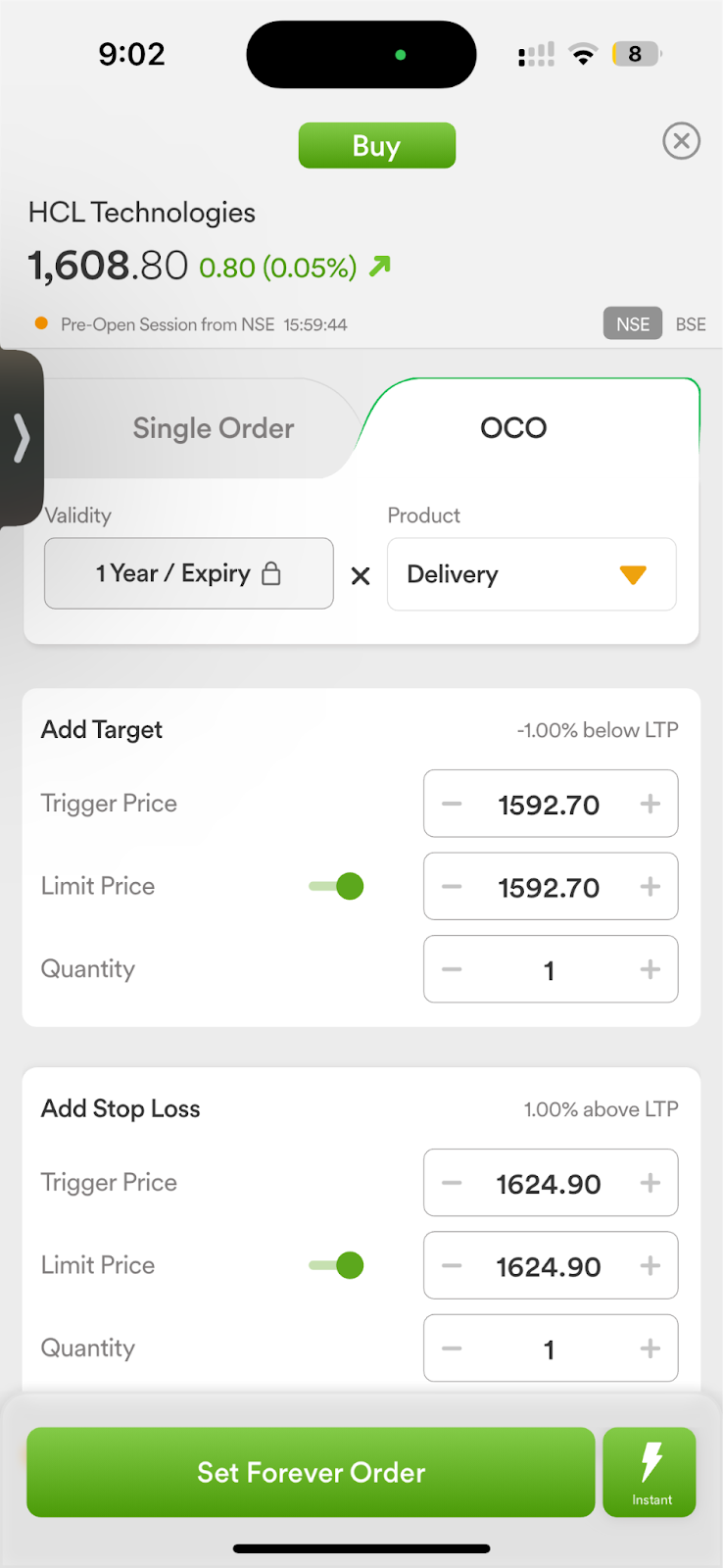
A Forever Order is a Limit Order or Market Order that remains active until your desired price is hit. You can set a Buy or Sell Forever Order on Dhan. If you add a Target and Stop Loss, whatever hits first is executed while the other is cancelled. That’s why it’s called OCO.
With the introduction of Forever Orders with OCO capability for both Equity and MTF, Dhan offers a true one-stop shop that can make wise trading practices easy to understand and implement through a single, cohesive interface.
How to use Forever Orders with OCO
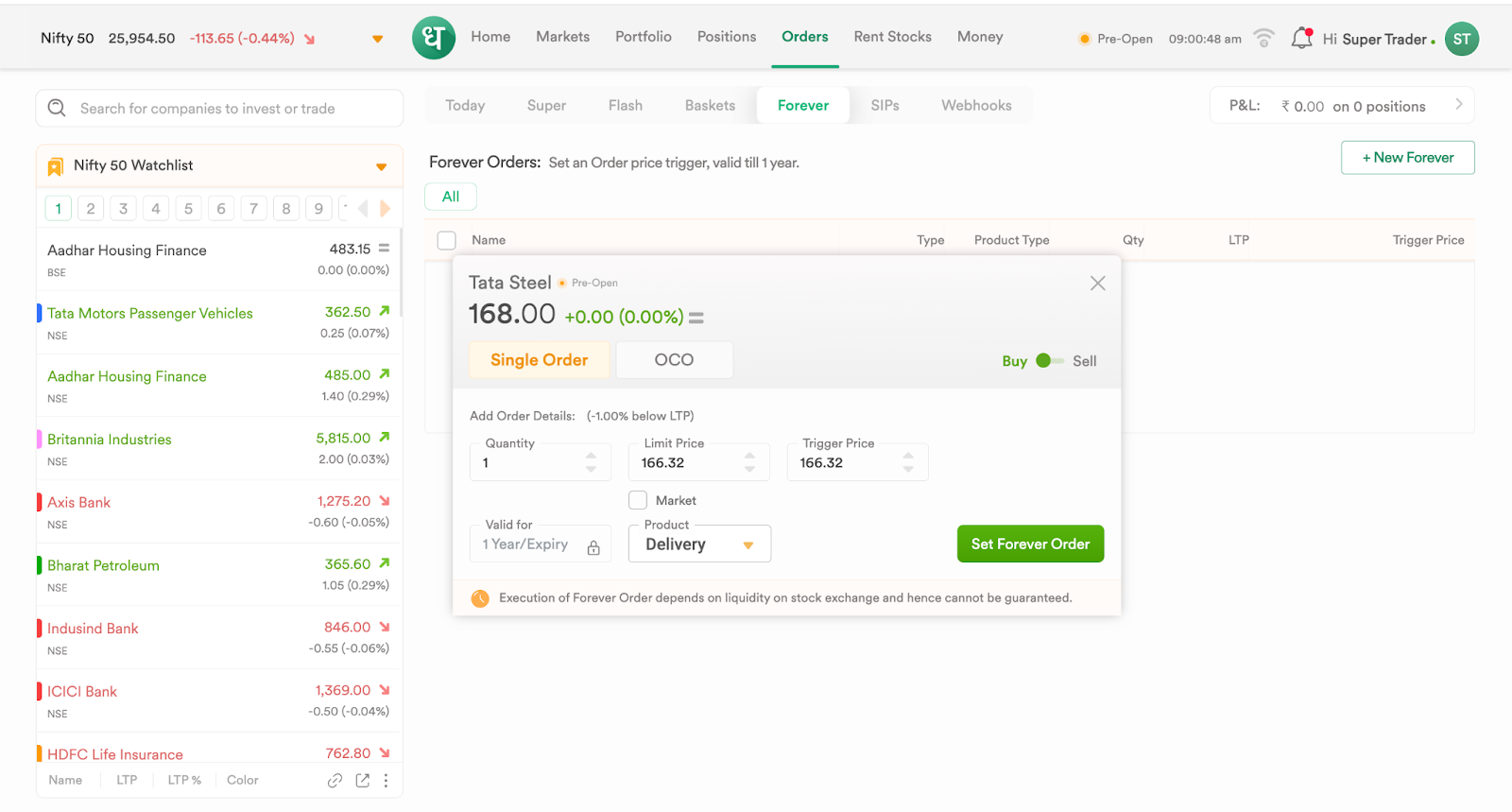
You can set a Forever Order in two ways on Dhan:
1. From the Orders Tab
- Tap on Orders
- Navigate to Forever
- Click on Set a Forever Order
- Choose a Stock
- Place a Single or OCO Order
2. From a Stock Page
- Select a Stock
- Tap on the Clock (Forever)
- Place a Single or OCO Order
Why Forever & OCO orders matter
Any equity trader or investor can tell you - getting in (or out) at the right price matters. In addition to timing, it’s also important to pay attention to regulatory and margin requirements when you’re placing orders.
Forever Orders is typically used by users who may not have the time to actively engage with the markets. Consistently setting and managing entry or exit levels, like Stop Loss and Target, is challenging when passively acting on the markets.
Given the scenarios discussed above, Forever Orders can be a crucial feature. You set your criteria and forget it, and if the market is in favor of your desired price point, you’ll have orders executed seamlessly.
In fact, to ensure that you never miss your price, "Forever Orders" allow you to place buy or sell orders that are active for weeks after the trading day is over.
Example of Forever Orders with OCO
Let’s say Nivesh Gupta wants to buy HDFC Bank shares at a better price and not the current market price. He places a Forever Order with OCO:
- Buy Trigger: ₹1,475 (order activates only when price drops to this level)
Once the order executes, the OCO (One-Cancels-Other) kicks in automatically:
- Target (Profit): ₹1,520
- Stop-Loss: ₹1,455
If the price reaches ₹1,520, the target sells automatically, and the stop-loss is cancelled. If the price falls to ₹1,455, the stop-loss executes, and the target gets cancelled.
In the past, swing and positional traders loved Forever Orders in Dhan. The feature has since been improved and smoothly incorporated with MTF as well.
How Forever Orders with MTF work
Choose your order type and stock: Just select "MTF" from the product menu (instead of Delivery or Intraday) when preparing a trade that you wish to hold using margin.
- Select Forever Order: This option enables you to write instructions for an order that won't expire at the end of the trading day. Even after a few days, your order is still active in the system and is prepared to be executed when the price you have selected is reached.
- Set the OCO guidelines: You can set two prices: one for the stop-loss and one for your intended target. To prevent duplicate trades, your position is squared off if either price is reached, and the alternate order is automatically canceled.
You no longer need to keep an eye on the stock's daily movements, so you can trade more seamlessly. You can be sure that your risk and reward are fixed because your exit levels are automatically adjusted.
Why is this important for MTF users?
For active NSE equity traders, MTF is already a clever way to leverage their purchasing power because they can hold and profit from price movement for multiple days while only a portion of the share cost is paid up front.
This is perfect for medium-term wagers, swing trades, or just increasing your capital.
- You prevent rash decisions and lost opportunities by automating both your profit booking and risk management.
- Even if you are not actively watching the market, holding margin positions shields you from significant market fluctuations.
FAQs
1. What is a Forever Order?
It is an order type that, even after more than one trading session, is active until your designated price triggers.
2. What is meant by OCO?
"One Cancels Other," or OCO, allows you to set your Target and Stop Loss simultaneously. The other is automatically cancelled when one fills.
3. Can MTF and Equity Delivery use this feature?
It is possible to use Forever Order with OCO for both standard delivery trades and MTF margin trades.
4. Do I have to keep an eye on my trades all day long?
No, exits are automatically managed by Forever and OCO.
5. Is it possible to modify or cancel my Forever Order?
Yes, you are in charge of all open orders and have the ability to change or cancel them before they are executed.
6. Does this shield me from unexpected losses?
Yes, if the market moves against you, you will automatically exit your position if you set a stop-loss using OCO.
7. Does using OCO or Forever Orders come with additional costs?
There is no additional cost for these features; Dhan charges regular brokerage.
Web:
App: