


Pre-set Order Size on Dhan




At Dhan, we consider our traders when developing features. We are aware that each trader has a different approach and style, and it can be very beneficial to save time when placing orders.
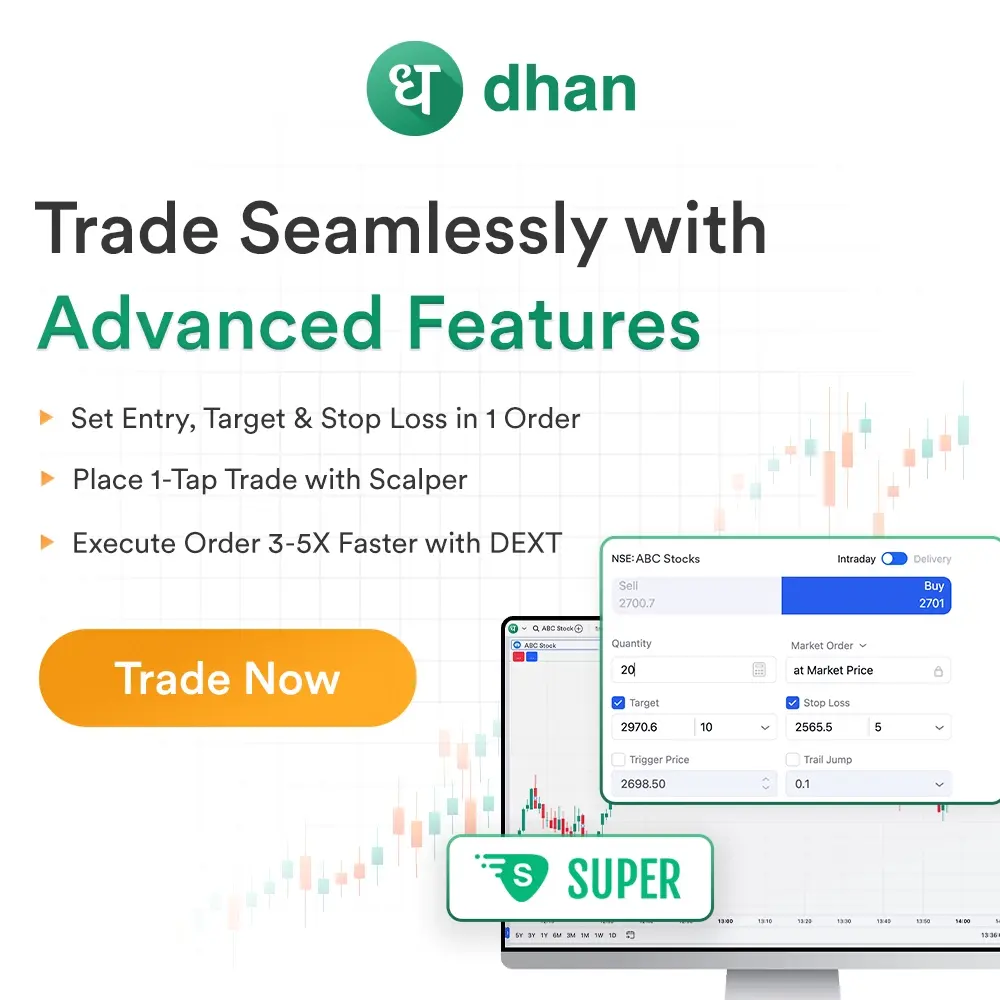
To help you place orders more quickly and effectively, we are thrilled to present the new Pre-Set Order Size and Lots feature.
What is the Pre-set Order size?
You can store your preferred quantity or lot size for trading particular instruments with Pre-Set Order Size.
The quantity will be pre-filled using your saved preference the next time you open the order placement window. There's no need to type it in each and every time.
How does it help?
Having your preferred order size ready helps you execute trades more quickly, whether you trade stocks, options, commodities, or currencies. It makes trading more seamless and less error-prone, particularly in markets that move quickly.
What instruments are supported?
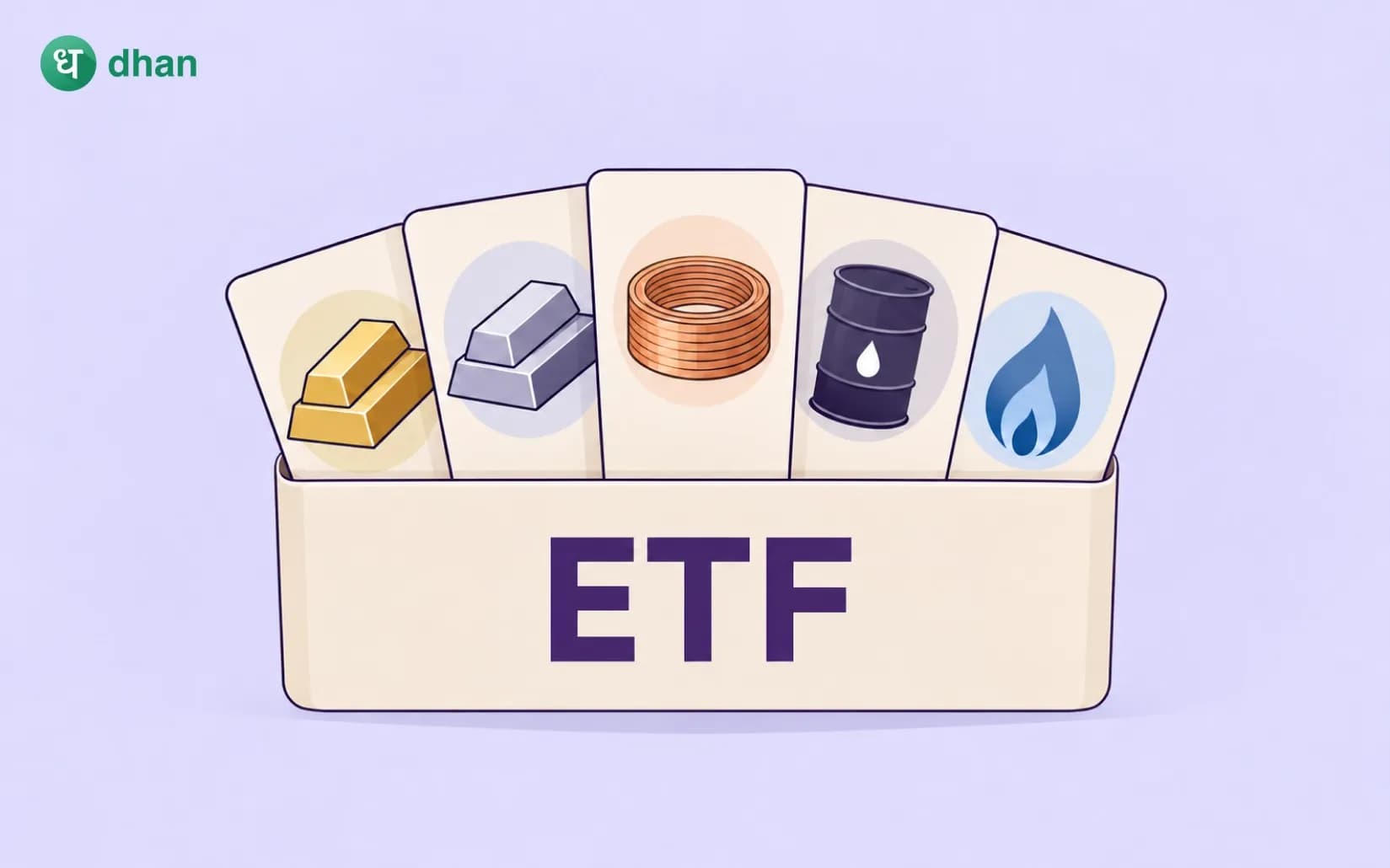
All tradeable F&O indices, including the Nifty 50, Bank Nifty, Finnifty, Natural Gas, Crude Oil, Gold, Silver contracts, are currently eligible for this feature. In the future, we intend to add more instruments.
How to Set Your Pre-set Order Size?
Open Dhan app or web, go to Trader's Control, choose "My Order Preferences," choose your preferred instrument, and input the default order quantity.
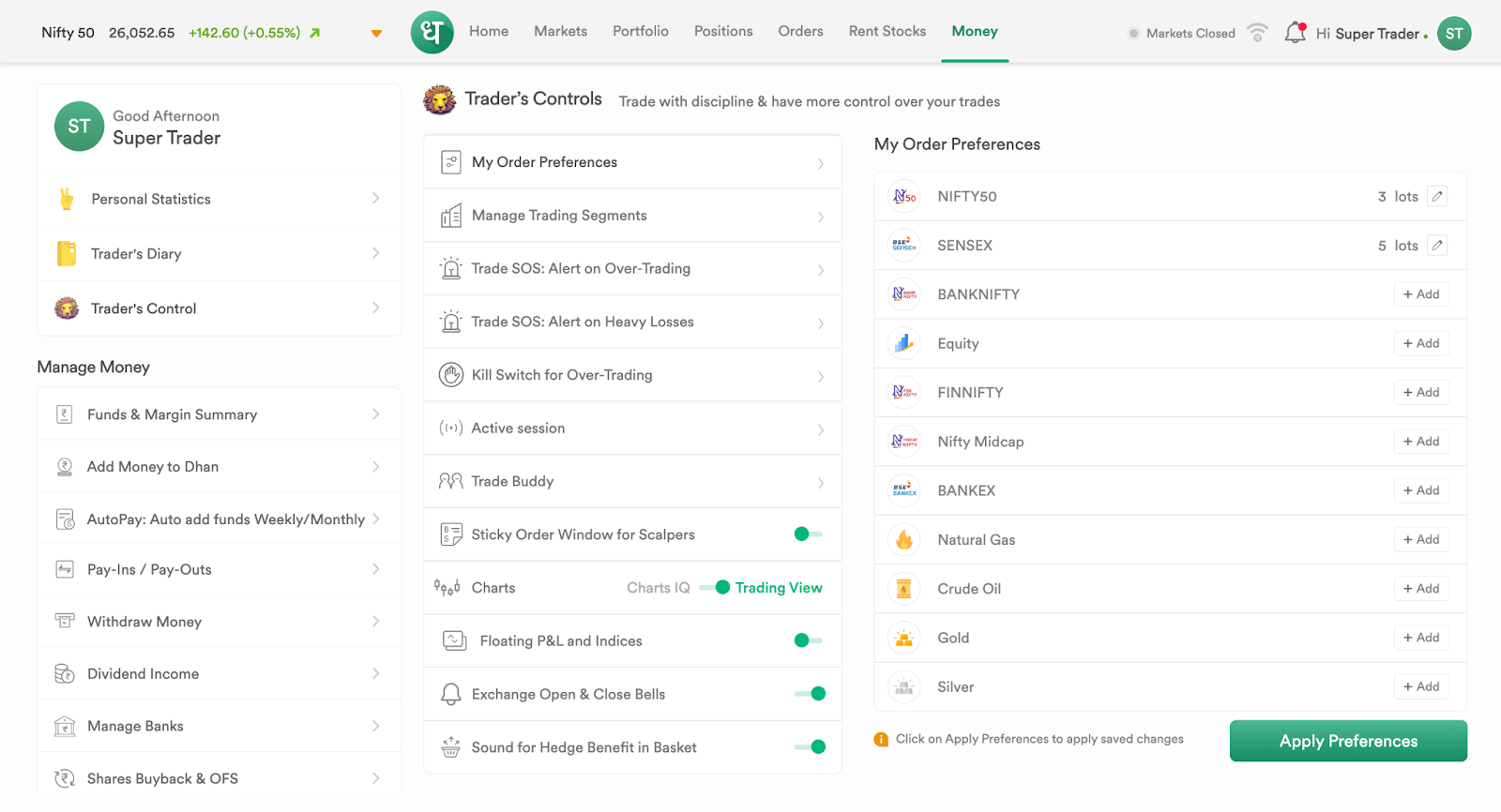
For targets and stop loss adjustments, you can also set your maximum order quantity and bracket order price.
This only needs to be set once, and it will sync with the Options Trader, Dhan app, and web platforms. To see your preferences applied, simply log out and then back in.
Frequently Asked Questions
What is Pre-set Order Size?
It is a feature to save your preferred order quantity for quick and easy order placement in the future.
Which instruments does this feature support?
Currently supported for options on major indices and commodities like Nifty50, Bank Nifty, Crude Oil, Gold, and more.
How do I set my default order quantity?
Go to Trader's Control, select "My Order Preferences", pick an instrument, and enter your preferred order size.
Can I set a maximum order quantity?
Yes, you can set a max order quantity to get nudged if you exceed it.
What is bracket order price?
It is a default price change for target and stop loss orders in bracket order setup.
Will my preferences sync across devices?
Yes, preferences sync across Dhan app, web, and Options Trader platforms.
Do I need to do anything after setting preferences?
You need to log out and log back in for preferences to take effect.
Can I change preferences anytime?
Yes, you can update your preset quantities anytime through Trader's Control.
Does this feature support all order types?
It applies to quantity/lots in the order placement but not order types themselves.
Will this feature help me trade faster?
Absolutely, it reduces manual input and speeds up order placement.