


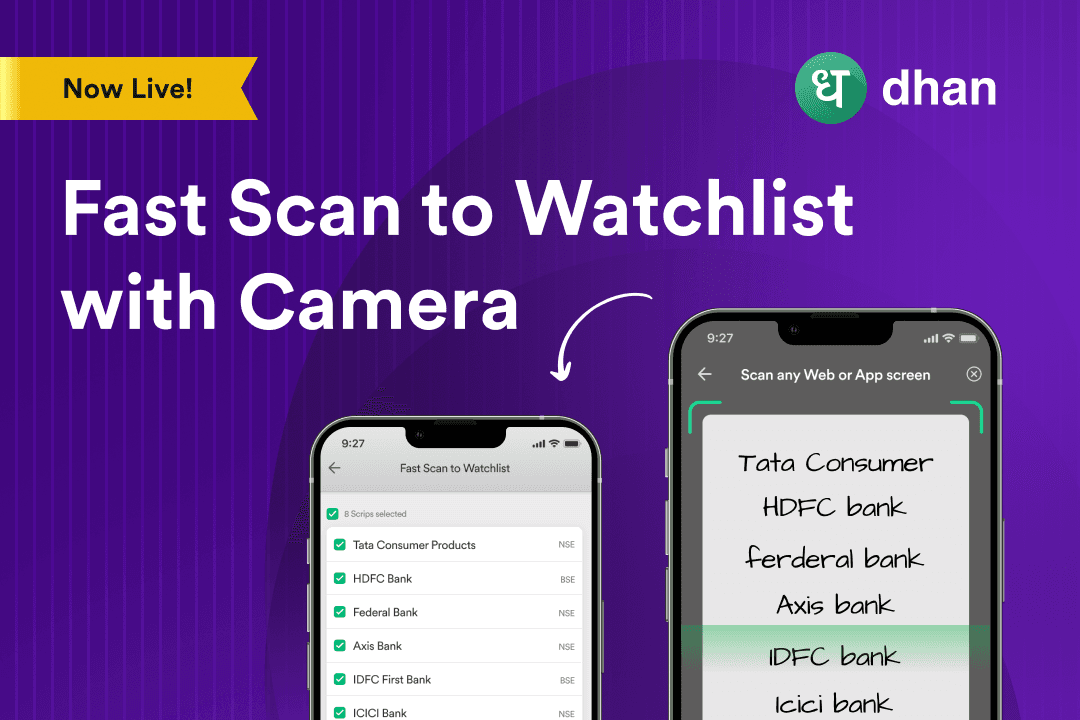
FastScan to Watchlist with Camera on Dhan





We have added many features to make watchlists more powerful and user-friendly, like Invested Watchlist, integrated Corporate Actions, and Fast Add.
This lets you quickly create or update watchlists by simply scanning stock lists from any physical source or screen.
How does the FastScan work?
- Open the Dhan app and go to any watchlist.
- Tap the search bar and select "FastScan with Camera".
- Point your camera at any list of stocks, whether from newspapers, TV, financial websites, or even your handwritten notes.
- The scanned list will appear on your screen immediately.
- Review and unselect any stocks you don’t want to add.
- Tap "Add Watchlist" to save your new or updated watchlist.
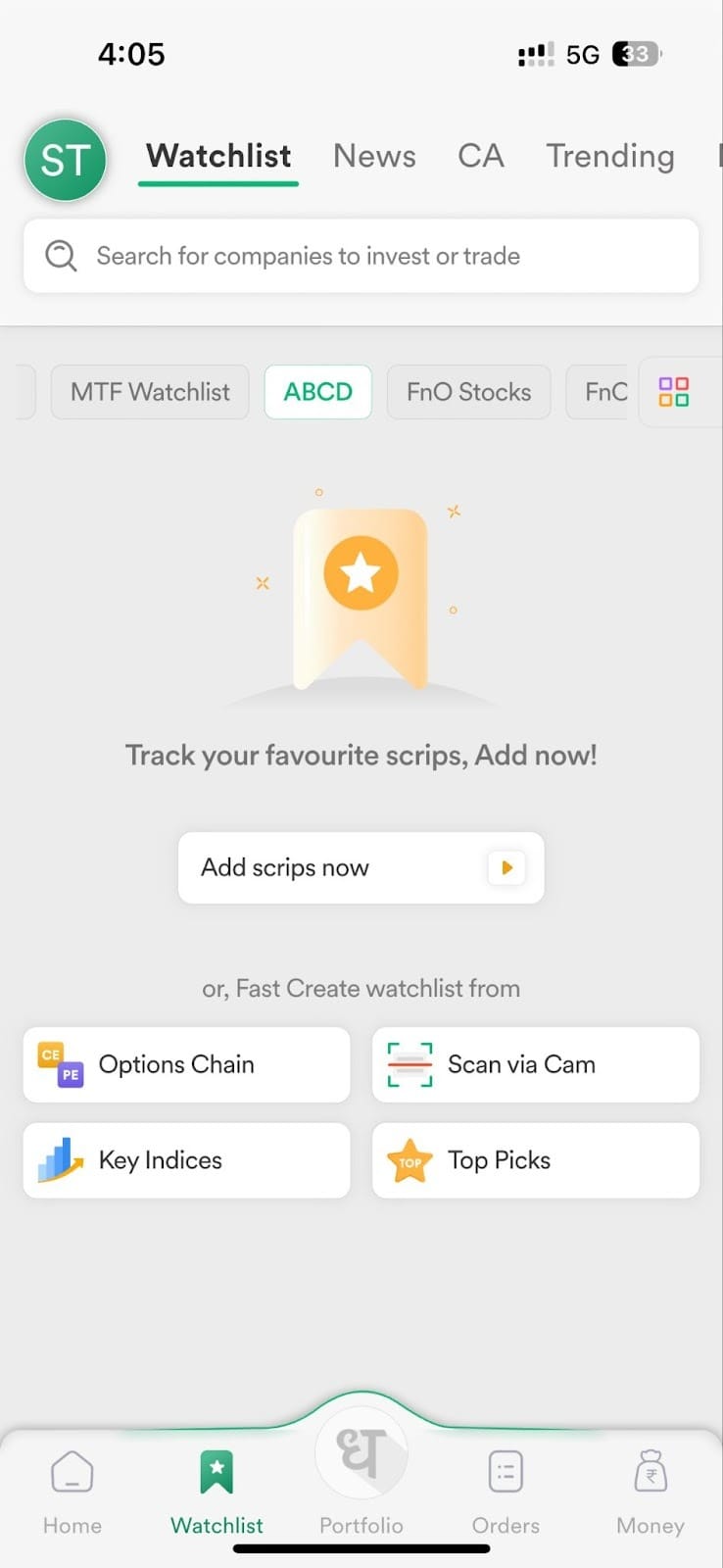
A screen from Dhan App:
Why use FastScan?
FastScan saves you time and effort by avoiding the need to remember or manually add stocks to your watchlist. It also gives you control and accuracy by allowing you to review scanned stocks before adding them.
Whether you are a seasoned trader or just starting out, FastScan makes building and managing your watchlists easier, faster, and more fun.
Frequently Asked Questions
What is FastScan with Camera?
It is a feature that lets you scan stock lists with your camera to quickly add stocks to your watchlist.
Where can I find FastScan in the app?
Open the Dhan app, go to any watchlist, tap the search bar, and select "FastScan with Camera".
What sources can I scan with FastScan?
You can scan newspapers, TV screens, websites, handwritten notes, or anything showing stock names or symbols.
Can I review the scanned stocks before adding them?
Yes, you can unselect any stocks you don’t want before adding the watchlist.
Does FastScan work for existing watchlists?
Yes, you can add new stocks to any existing watchlist by scanning.
Will scanning save me time?
Absolutely, it eliminates the need to manually search and enter stocks in your watchlist.
Can FastScan help me avoid mistakes?
Yes, since you review scanned stocks before adding, you maintain control over your watchlist.
Is FastScan useful for both traders and investors?
Yes, it is designed for all kinds of market participants to manage watchlists easily.
Can I scan from any device?
You use your phone’s camera within the Dhan app to scan lists wherever you see them.