


Trader’s Controls: For Complete Risk Management in Trading




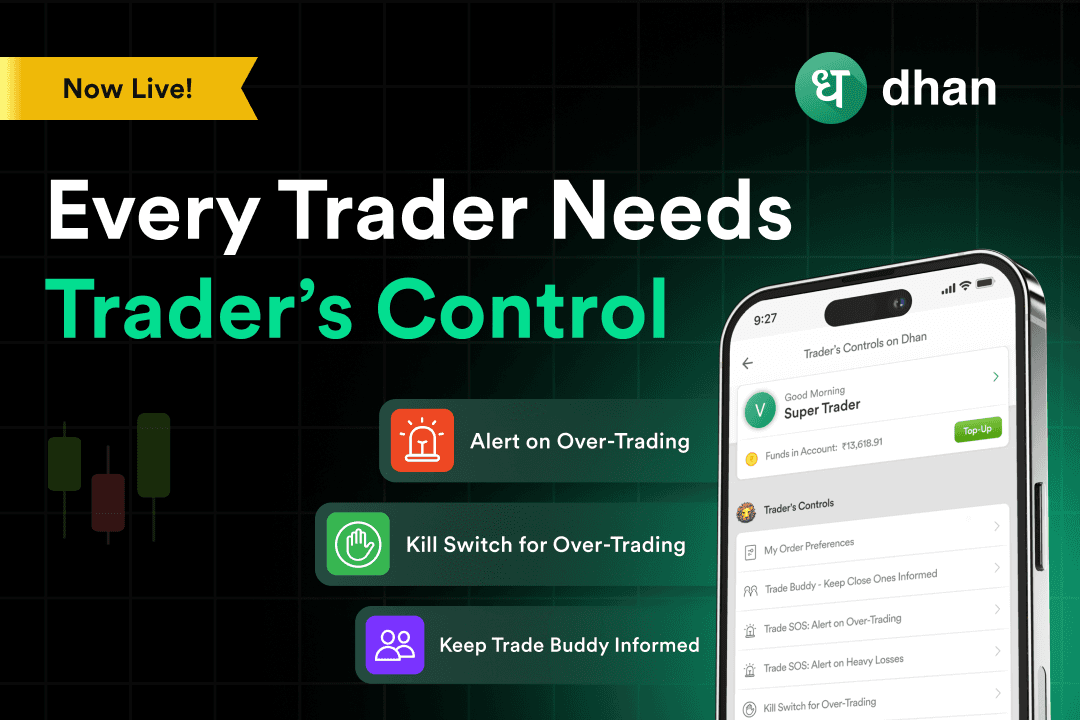

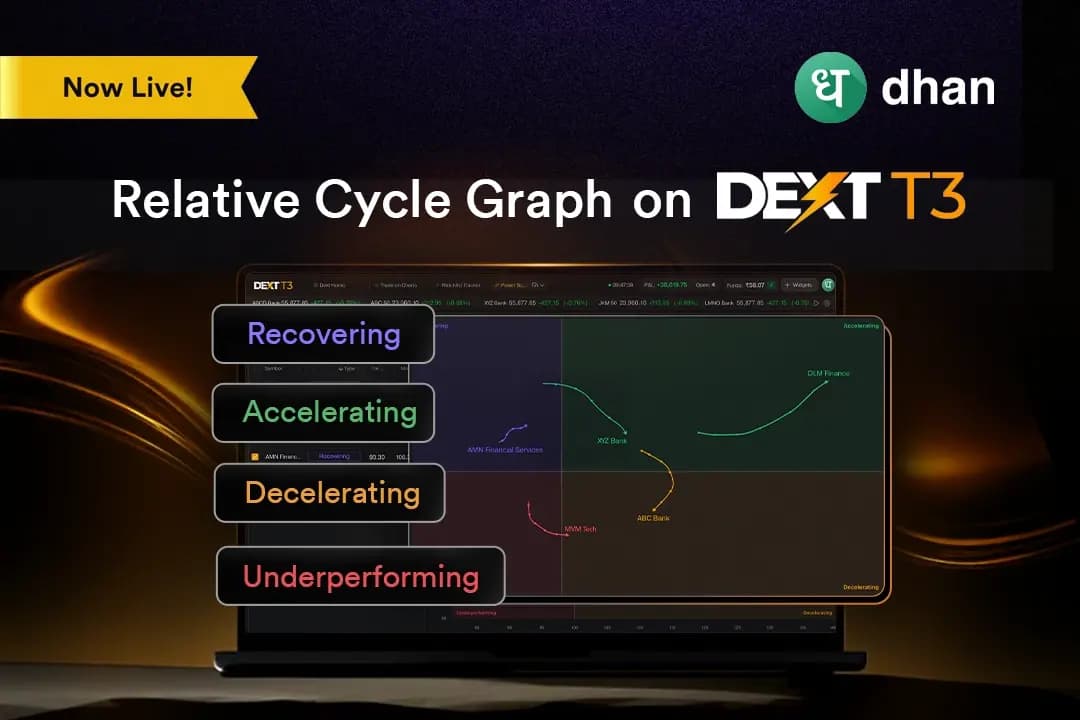
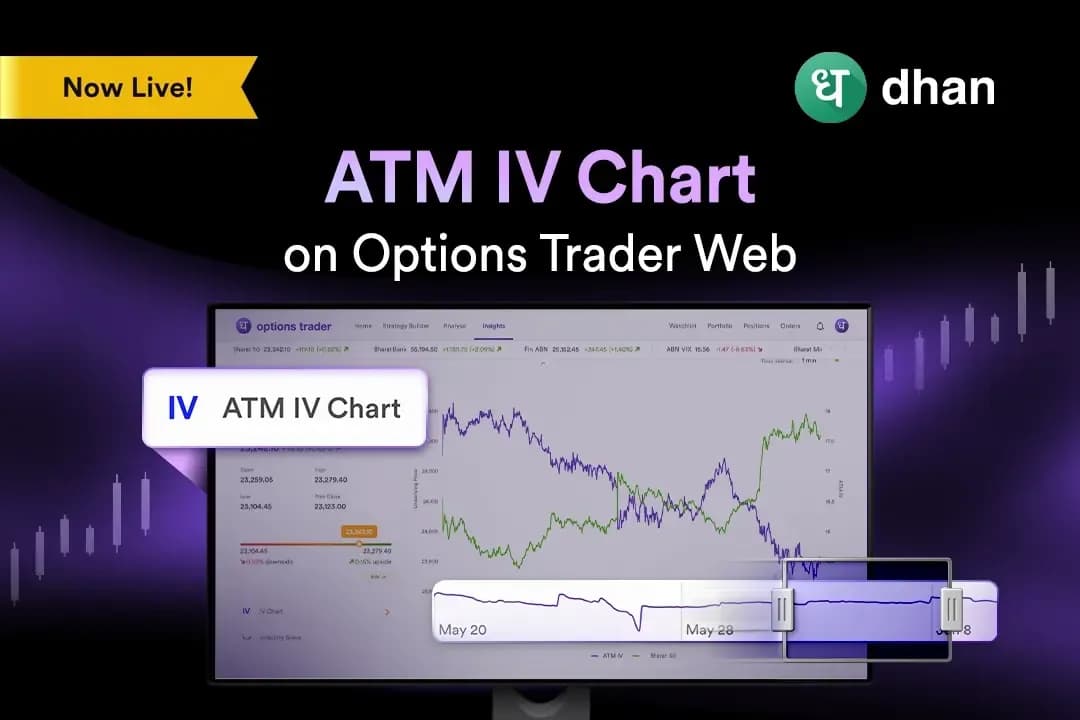
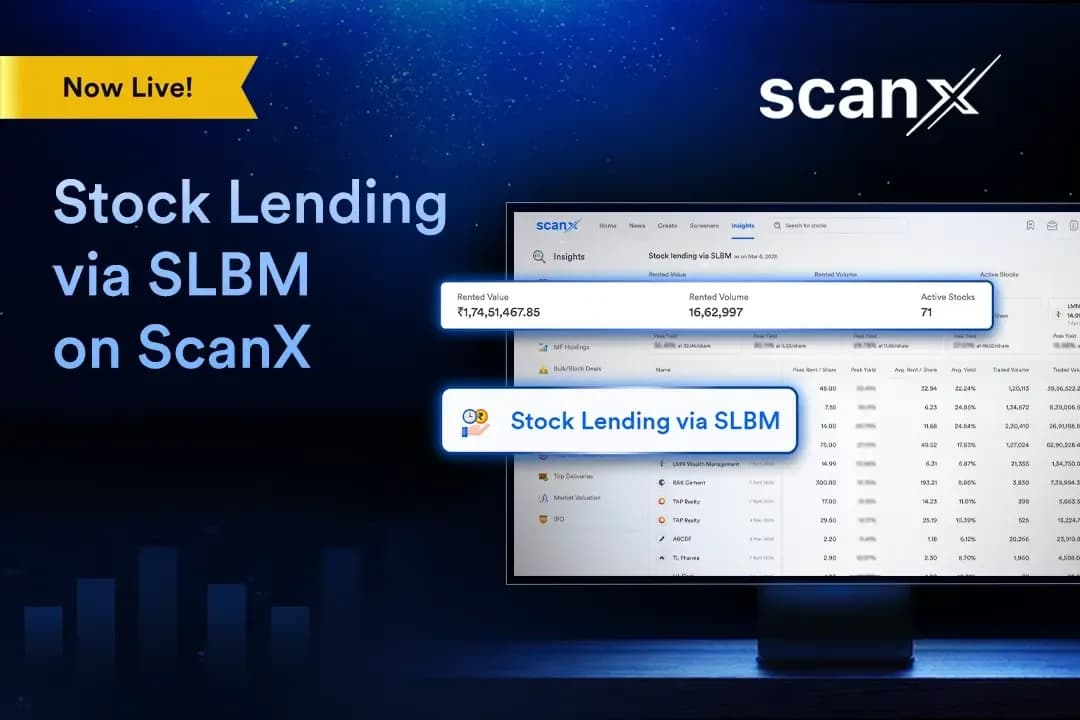
While the features mentioned are incredibly important, we realized that there needs to be a hub for holistic risk management, one that brings together various aspects of disciplined trading. This is why we built Trader’s Controls.
What is Trader’s Controls?
Trader’s Controls is a hub of risk management which allows you to protect your capital and upside while limiting the downside.
Even the best traders can have off days, or they may succumb to revenge trading. Trader’s Controls makes it possible to avoid these errors. Using it, you can:
- Set SOS Alerts for Extreme Loss
- Set SOS Alerts for Overtrading
- Hit the Kill Switch to Stop Trading
- Keep a Trading Buddy Informed
As Dhan is built to be your complete window into the market, Trader’s Controls ensures that there’s an added layer of security throughout your trading journey.
How Trader’s Controls Works
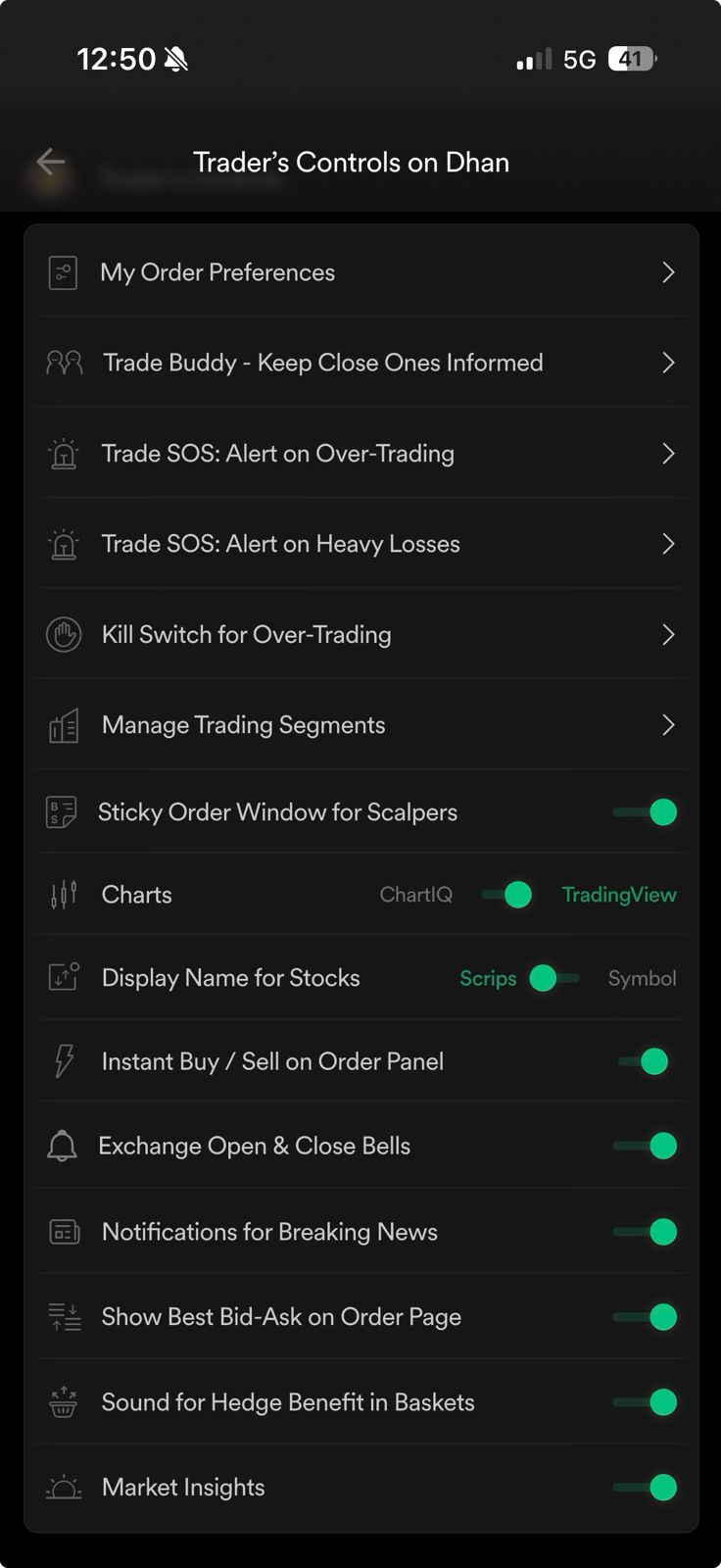
You can navigate to Trader’s Controls on both App and Web. It is found on your Profile section. Once you reach the screen, you’ll see multiple options designed to help you limit bad trades. The key ones are as follows.
You can check oout a screenshot of Trader's Controls on Dhan web below:
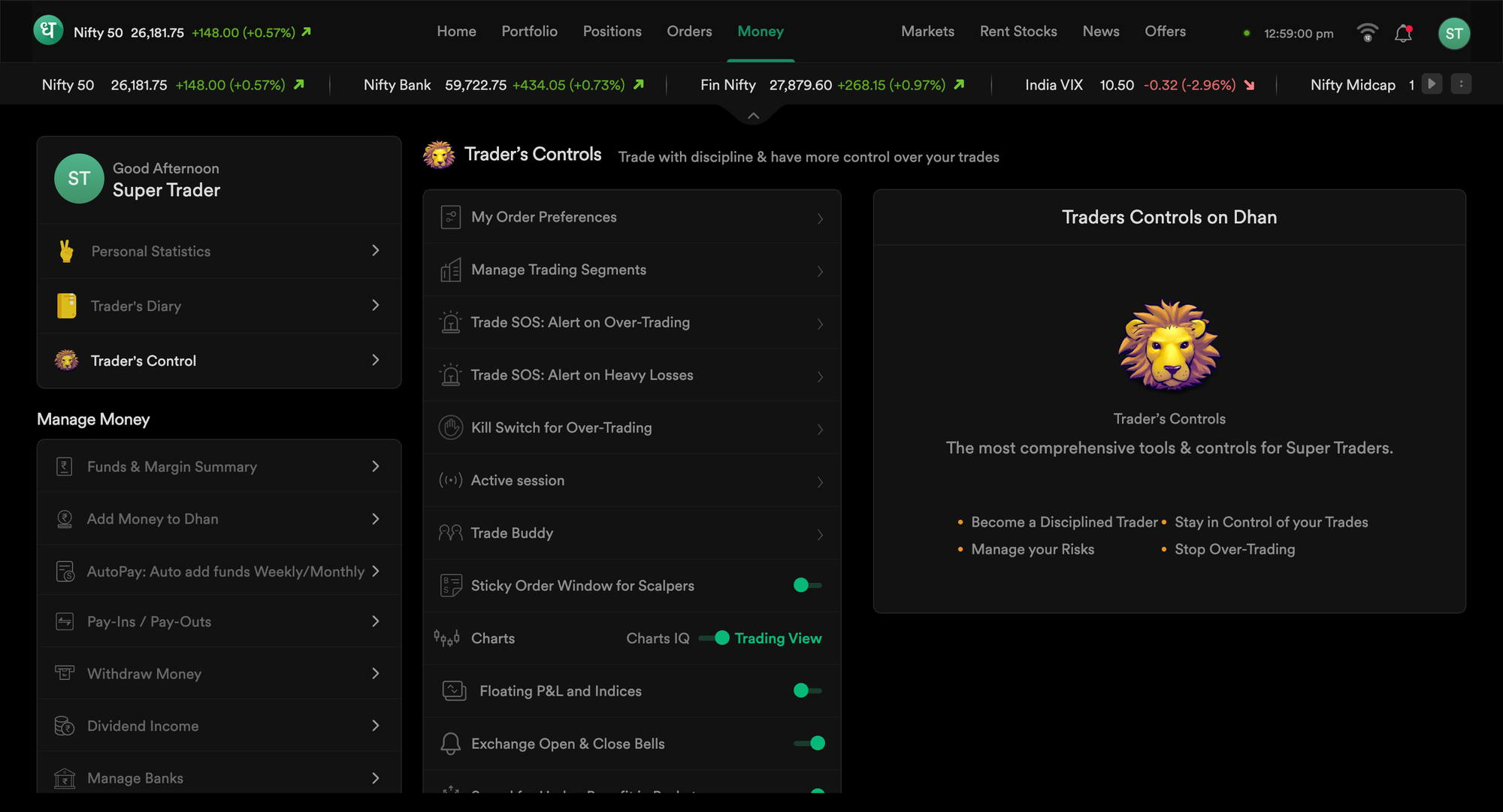
1. Order Preferences
This allows you to set Lots, Target, Stop Loss, and Trail Jump for Index FnO, Commodity FnO, and Stocks.
2. Trade Buddy
Whether it’s a mentor or a well-wisher, this tab helps you keep them informed about your daily trading activity.
3. SOS Alert on Overtrading
You can set a daily limit on overtrading in case you want to detach from the markets for the day.
4. SOS Alert on Extreme Loss
Sometimes the markets can move against you or maybe your setup is outdated. In any case, you can set a daily limit for loss so that you know when to stop.
5. Killswitch for Overtrading
For times when you need to completely detach from the markets - just hit Killswitch for Overtrading and you won’t be able to place orders for 24 hours.
Along with these features, there are several others that you can explore within Trader’s Controls which allow you to manage not just yourself and your capital, but also trading segments and customizations such as notifications.
Check out a screenshot of Trader's Controls on Dhan app below:
Benefits of Trader’s Controls
FAQs
What is Trader’s Controls?
Trader’s Controls is a central hub for risk management that helps traders set limits, alerts, and safeguards to maintain discipline.
Where can Trader’s Controls be accessed?
It is available on both the Dhan App and Web under the Profile section.
Who should use Trader’s Controls?
It is designed for traders who want to enter the markets with structured, disciplined, and risk-aware setups.
What is the purpose of SOS Alerts?
SOS Alerts notify traders when predefined limits on loss or overtrading are breached.
What does the Overtrading SOS Alert do?
It allows setting a daily cap on the number of trades to prevent impulsive or revenge trading.
What does the Extreme Loss SOS Alert do?
It triggers an alert when daily loss crosses the trader’s preset threshold.
What is the Kill Switch in Trader’s Controls?
The Kill Switch restricts new order placement for 24 hours to ensure complete detachment from trading.
What is the Trade Buddy feature?
Trade Buddy keeps a chosen mentor or well-wisher informed about the trader’s daily activity.
What can be set under Order Preferences?
Traders can preset lots, target, stop-loss, and trail jump across Index FnO, Commodity FnO, and Stocks.
Does Trader’s Controls work across all segments?
Yes, the controls apply to Equity, Derivatives, and Commodity segments for comprehensive protection.