


Basket Orders on Dhan





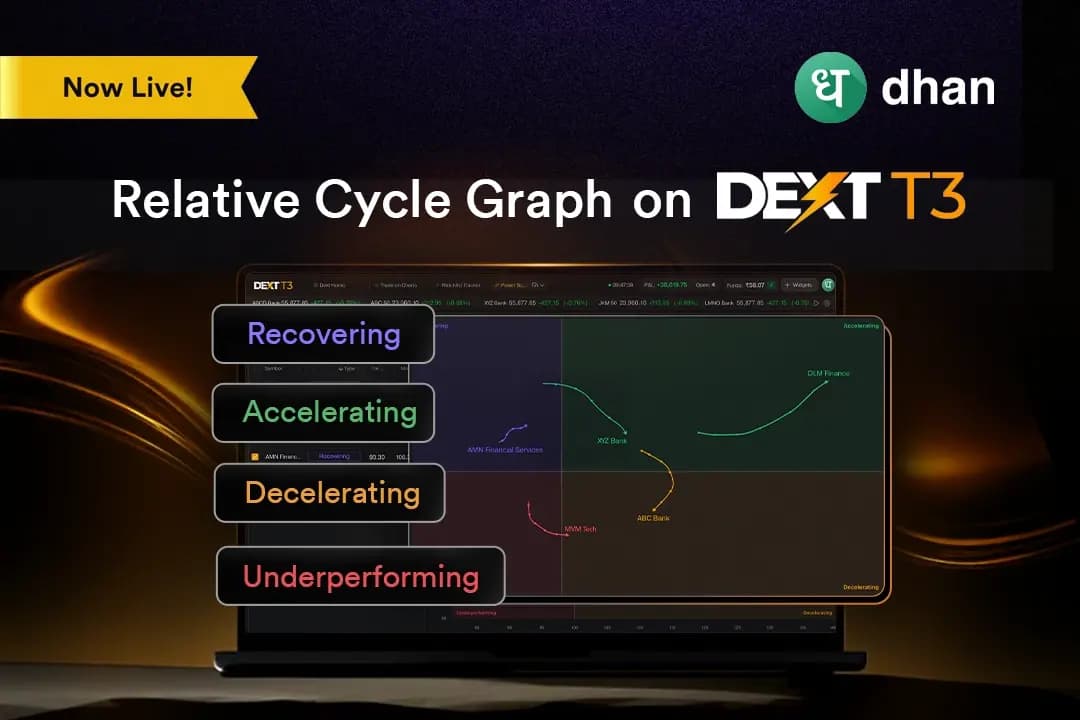
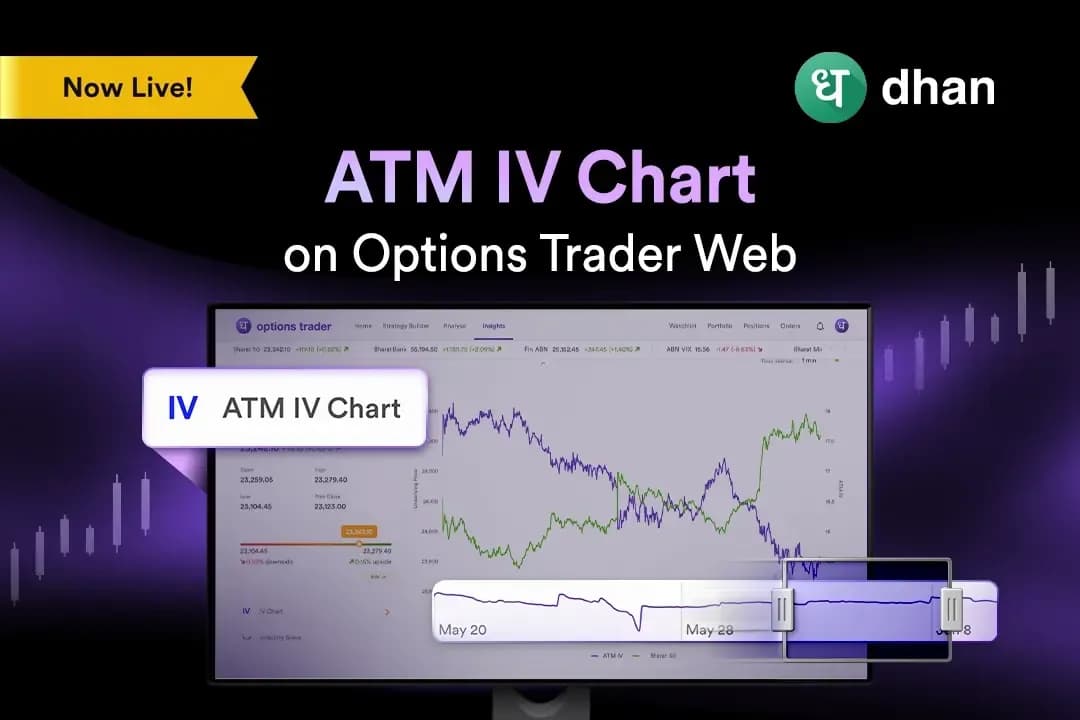
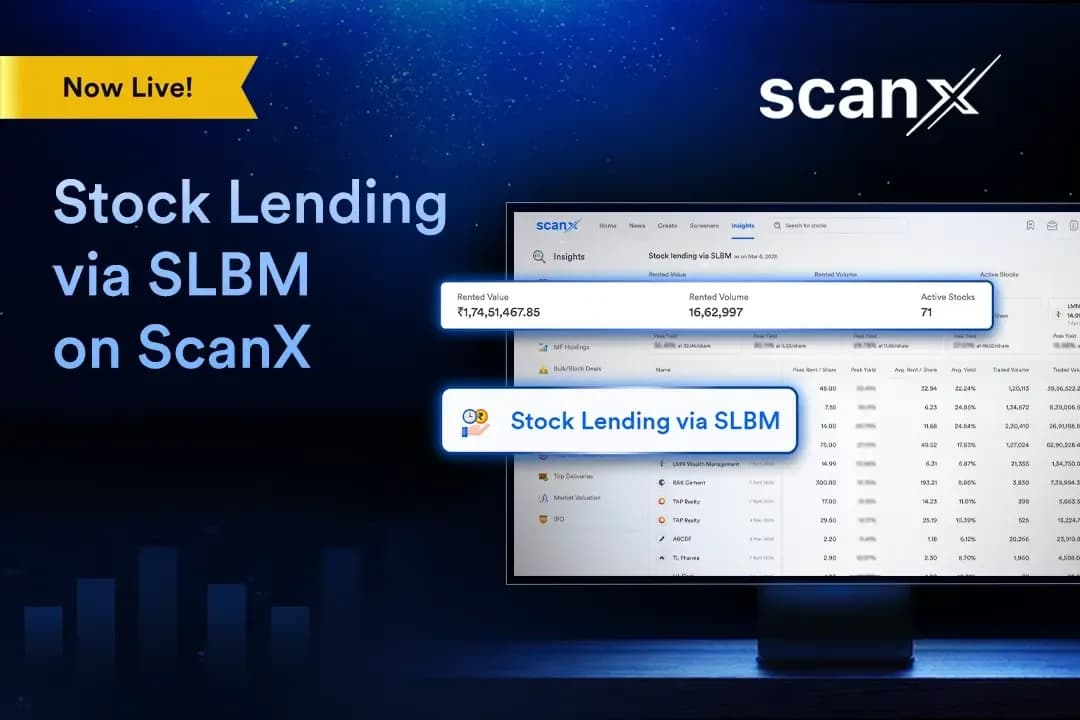
The goal at Dhan has always been to develop an order placement experience that enables traders and investors to act more effectively, quickly, and intelligently.
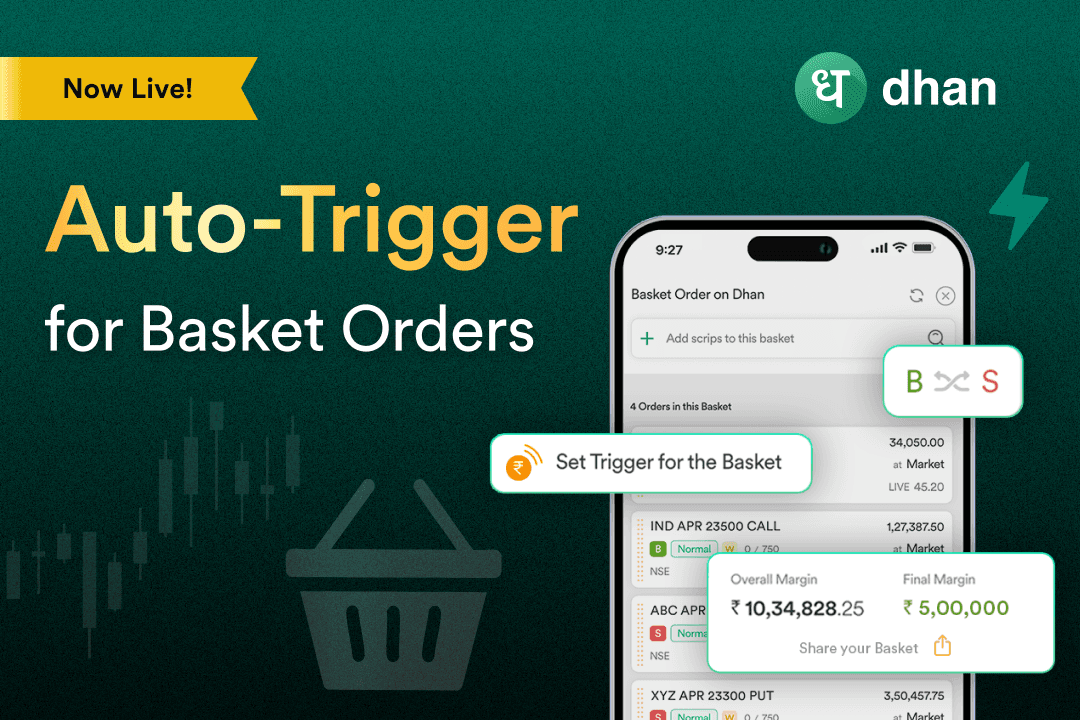
Although Basket Orders have long been a popular way to manage several trades at once, they had to be executed manually. That was up until recently. With the introduction of the Auto Trigger feature, manual execution is done away with.
What is Auto Trigger for Basket Orders?
You can specify a price condition for any instrument in your basket using Auto Trigger. Your entire basket order is automatically fulfilled when that price is reached.
This eliminates the need to rush to make trades or miss out on opportunities while waiting behind the screen.
How does it work?
After creating or choosing a basket of orders, you set a trigger price that is connected to an instrument, such as the Nifty 50.
For example, Auto Trigger of Basket Orders makes the trade happen automatically at 24000 if you want to short a Nifty straddle.
This gives you even more control and accuracy when it comes to timing your trades. It works well for traders who want their trades to execute without emotion and without delay.
More features in the Basket Order revamp
There are other improvements besides the Auto Trigger. Dhan has included:
Reverse Basket: With a single click, convert all buy orders to sell and vice versa.
Fast Modifications: Just like with the Strategy Builder, you can quickly change prices, order types, and transaction types.
Duplicate Basket: To easily test out novel concepts or related tactics, duplicate an existing basket.
Sharable Basket: Using special links, you can quickly develop and distribute basket strategies to your trading community.
Where can you access this?
Auto Trigger for Basket Orders is available on the Dhan mobile app and web platform.
Take your basket orders to the next level with this robust feature, which allows for easier, quicker, and more intelligent execution.
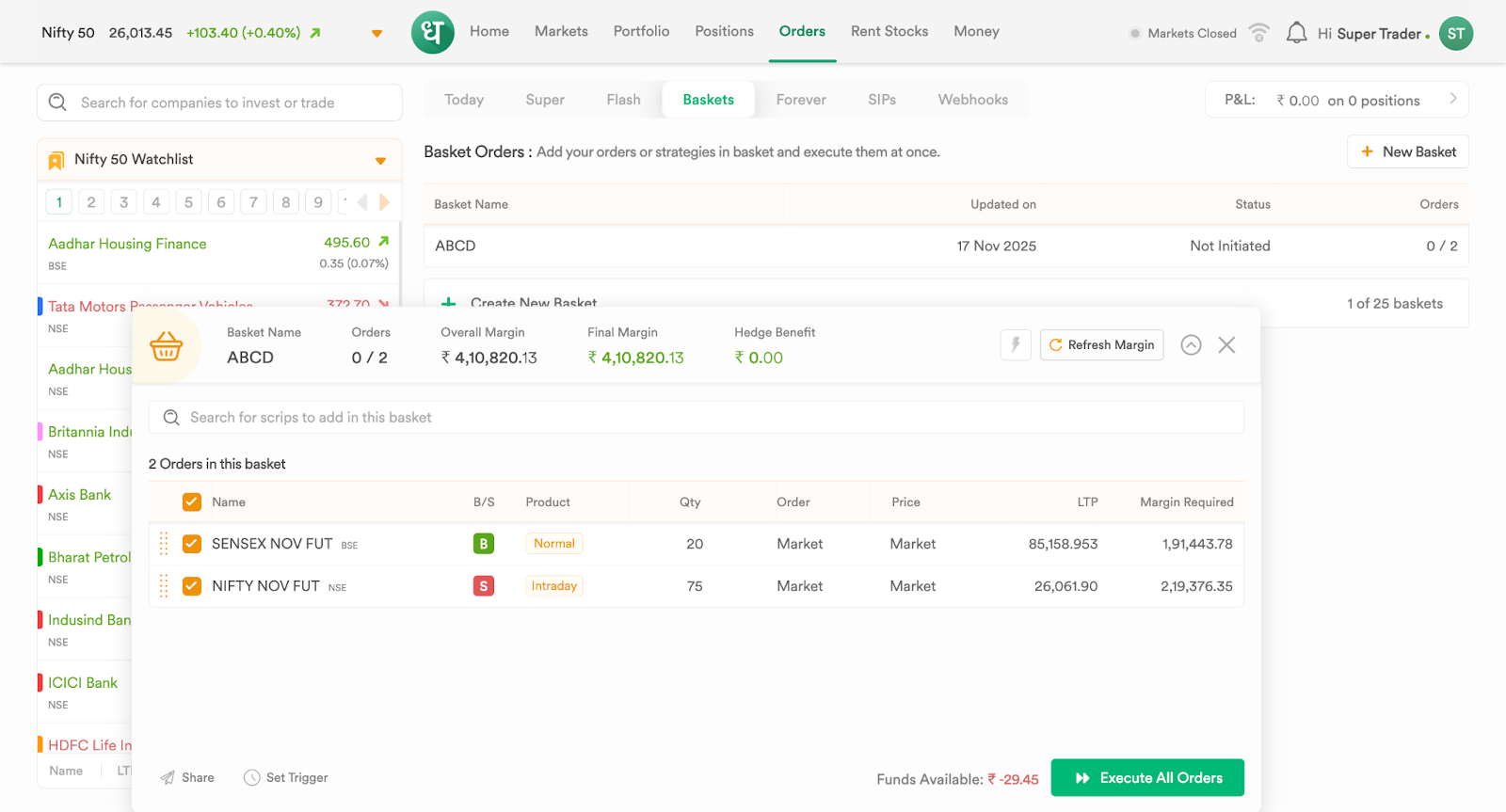
A screen from Dhan Web:
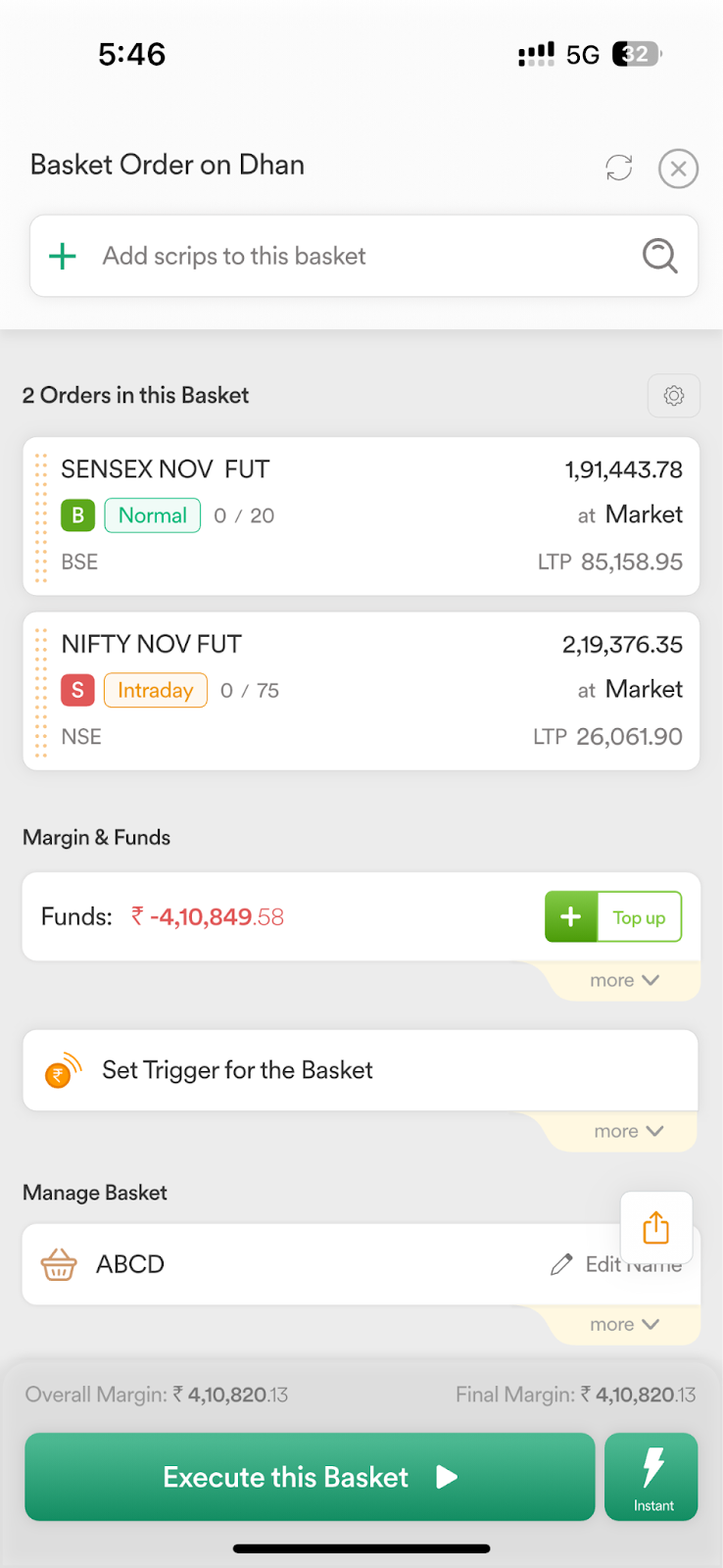
A screen from Dhan App:
Frequently asked questions
What is Auto Trigger for Basket Orders?
It is a feature that lets you set a price condition on an instrument in your basket to automatically execute the entire basket when the price is hit.
Can I use Auto Trigger with any instrument?
Yes, you can select any instrument in your basket to set the trigger condition.
How do I set a trigger for my basket?
Go to your Basket section, select a basket, scroll to “Set Trigger for the Basket,” choose your instrument and set the trigger price.
Does Auto Trigger replace manual execution?
Yes, once set, your basket automatically executes at the trigger price without manual intervention.
What happens if the price never reaches my trigger?
The basket order will remain inactive until the condition is met.
Can I modify my basket after setting the trigger?
Yes, you can use Quick Modifications to update prices, order types, or transaction types even after setting the trigger.
What is a Reverse Basket?
Reverse Basket switches all buy orders to sell and all sell orders to buy in your basket with one click.